To input notes, first create a track and a note group, then set the desired voice.
¶ Track Types
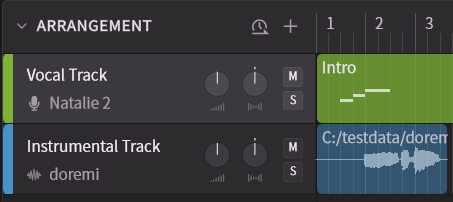
- Track: Used for creating and editing vocals. You can place note groups on these tracks.
- Instrumental Track: Allows you to load and play back audio, such as backing tracks. The waveform is displayed on the timeline.
¶ What are Note Groups?
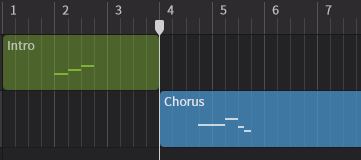
The area where you input notes and adjust parameters is called a note group.
Note groups can be placed on tracks, moved, and copied.
¶ Create Tracks
You can create vocal and audio tracks using the + button in the Arrangement area.
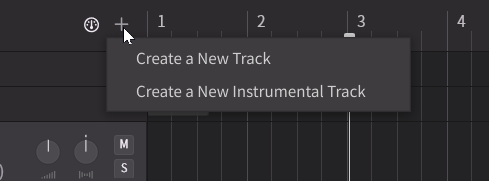
In Synthesizer V Studio 2 Pro, you can create one melody per vocal track, meaning that each track is monophonic.
If you want multiple voices to sing the same melody, you can use the Unison Function.
To create different parallel melodies or lyrics, please create multiple tracks.
¶ Set the Voice
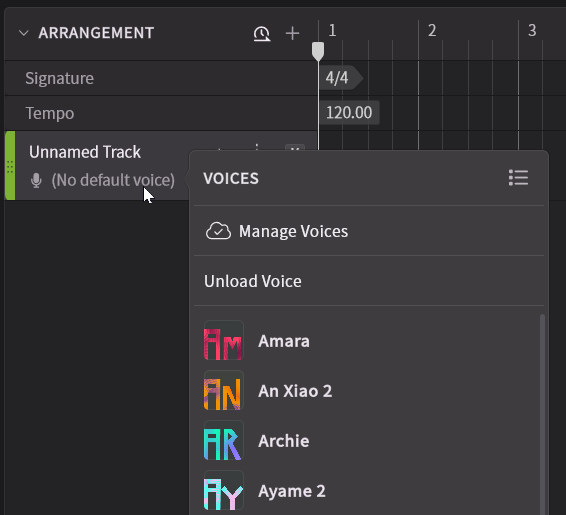
- You can set the vocal database for a track from its track header.
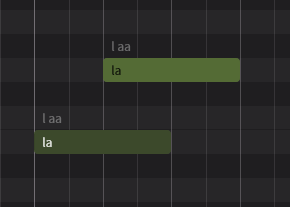
- You can set individual voices for each note group.
When you select a note group and choose a voice in the Voice Panel, the selected voice will be assigned to that group, not the entire track.
If a note group does not have a voice assigned, the voice set for the track will be used.
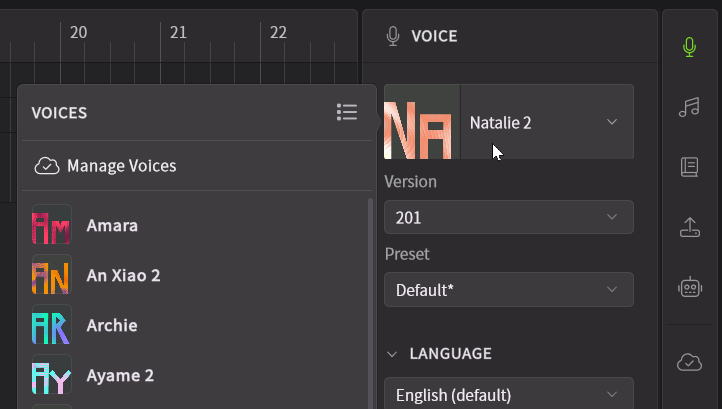
If the voice does not appear in the list, please register and install the product from the Product Manager.
¶ Create Note Groups
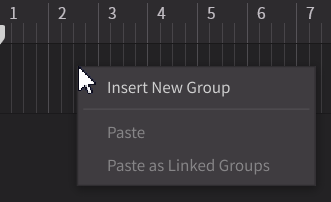
- Double-click on an empty space of a track's timeline to create a new note group.
- Right-click on the timeline of a track and select [Insert New Group] .
If there are no note groups in a selected track, inputting notes in the Piano Roll will automatically create a new note group.
¶ Set the Voice Language
Synthesizer V Studio 2 Pro has multilingual singing capabilities.
You can make a voice sing in all the languages supported by the editor, regardless of the language the voice was recorded in.
(Version 1 compatible voices are only available for some languages.)
The singing language for an entire note group can be set in the Voice Panel.
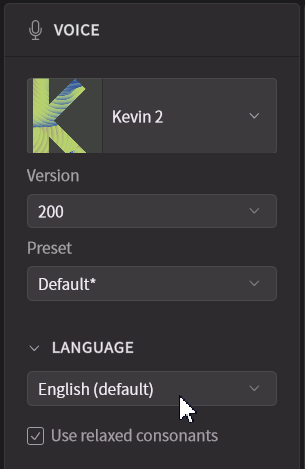
You can also mix multiple languages within a single note group.
For more details, please refer to "Notes Panel".
¶ Other Track Operations
You can adjust the volume and panning of each track, as well as set a color for the track.
For more details, please refer to "Arrangement".