By using Rap Mode, anyone can easily create authentic rap vocals.
¶ Rap Mode Setup
-
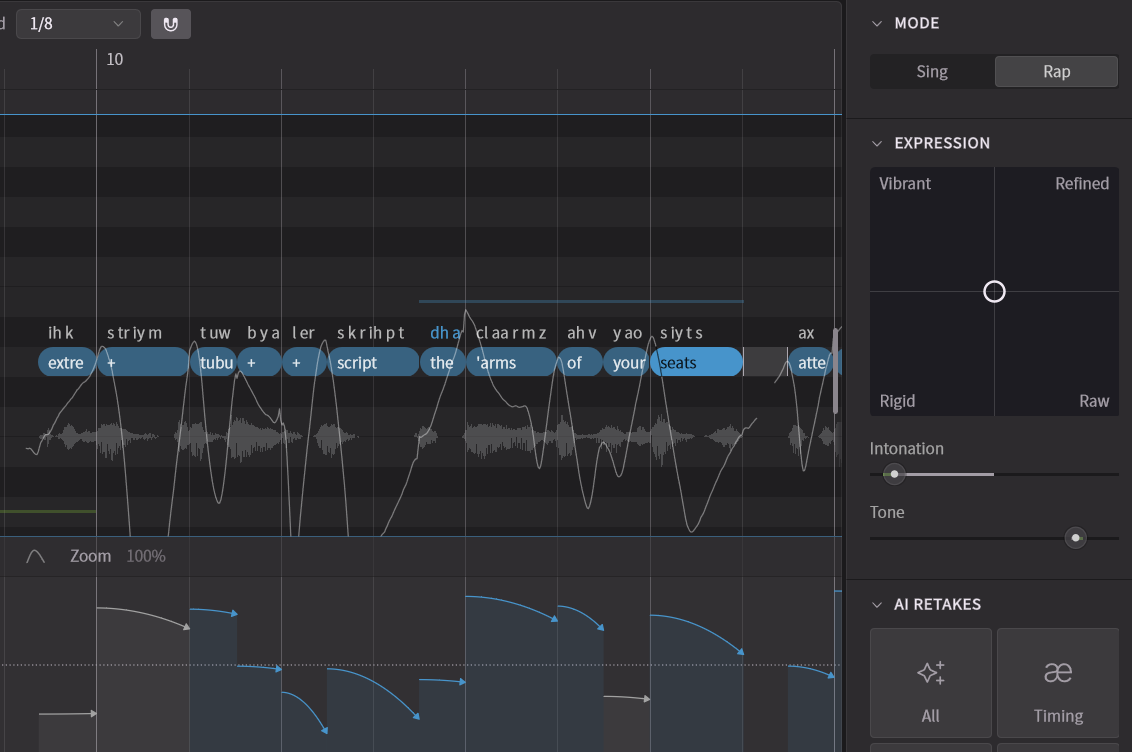
Arrange notes and input lyrics in the Piano Roll.
Note pitch serves as an approximate guide for the rap vocal's pitch.
-
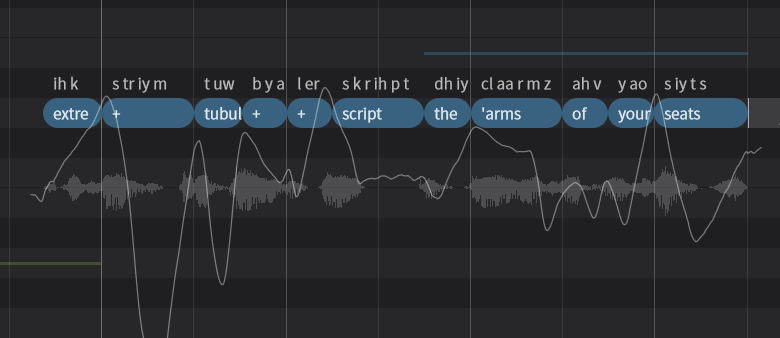
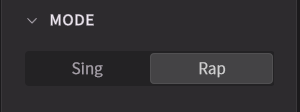
Select the notes and choose Rap mode in the Notes Panel.
-
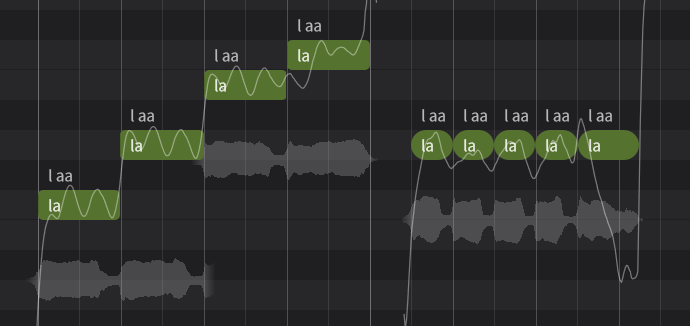
The pitch curve automatically changes from Singing Mode to Rap Mode.
Notes in Singing Mode are displayed with sharp corners, while notes in Rap Mode have rounded corners.
¶ Tone and Accent Adjustment
¶ Parameter Panel
In the Parameter Panel, set the parameter to edit as Rap Intonation.
Arrows representing pitch intonation and height are displayed for each note.
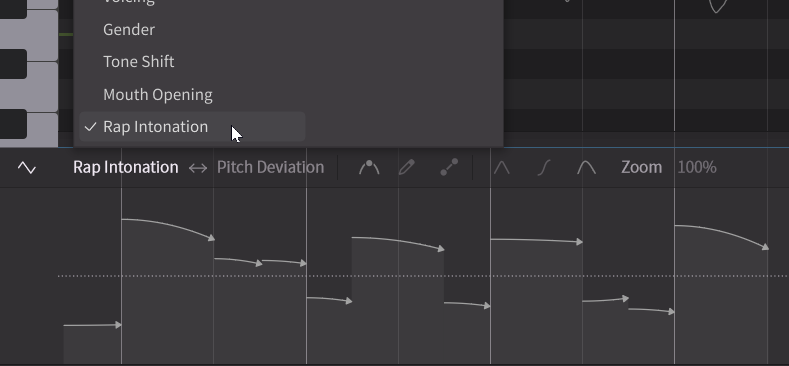
- Drag the line part of the arrow up or down to adjust the pitch height.
- Drag the tip of the arrow to adjust the intonation (pitch movement).
By default, optimal pitch height and intonation are set automatically.
¶ Notes Panel
You can also adjust the intonation and pitch height of selected notes in the Notes Panel.
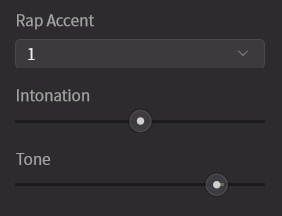
- Intonation: Adjusts the pitch movement (raising/lowering). Corresponds to the tip of the arrow in the Parameter Panel.
- Tone: Adjusts the pitch height. Corresponds to the line part of the arrow in the Parameter Panel.
- Rap Accent: This appears only when using Mandarin Chinese. It adjusts the Chinese accent (tone). Since meaning in Chinese changes with tone, you can select from four tones plus a neutral tone.
¶ Further Pitch Editing
For more detailed editing, please see “Pitch Editing”.