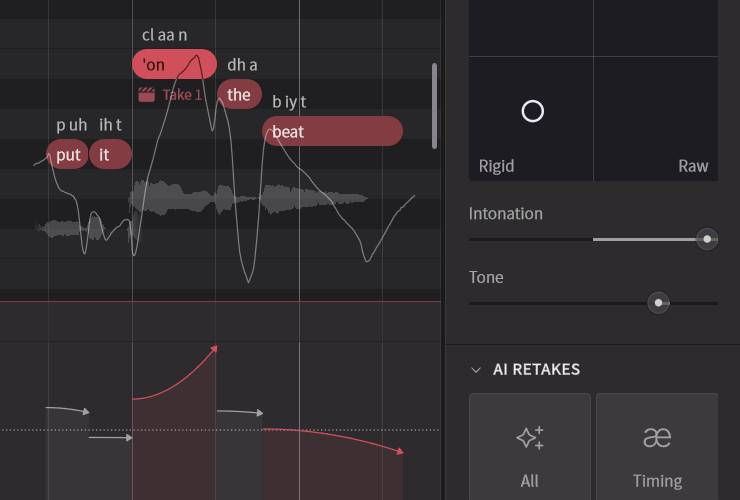
Base parameters are parameters that can be used universally across all voices.
You can adjust voice texture, volume, pitch, and more.
For manipulating voice texture and timbre, using Vocal Modes tends to produce more natural results than base parameters.
¶ How to Use Base Parameters
- To set parameters for an entire note group, use the Voice Panel.
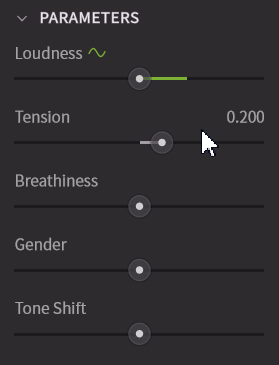
The [Parameter] section in the Voice Panel can only be operated when there is a note group on the track.
- To vary base parameters throughout a song, use the Parameter Panel.
¶ Types of Base Parameters
Base parameters include those available in both the Voice Panel and Parameter Panel, as well as those exclusive to the Parameter Panel.
¶ Parameters Controllable in Both the Voice Panel and Parameter Panel
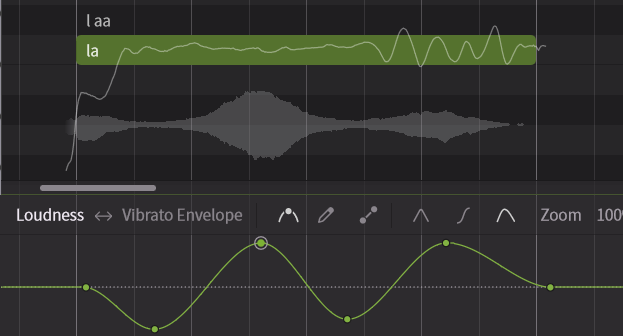
¶ Loudness
Allows fine adjustment of the vocal volume (dynamics).
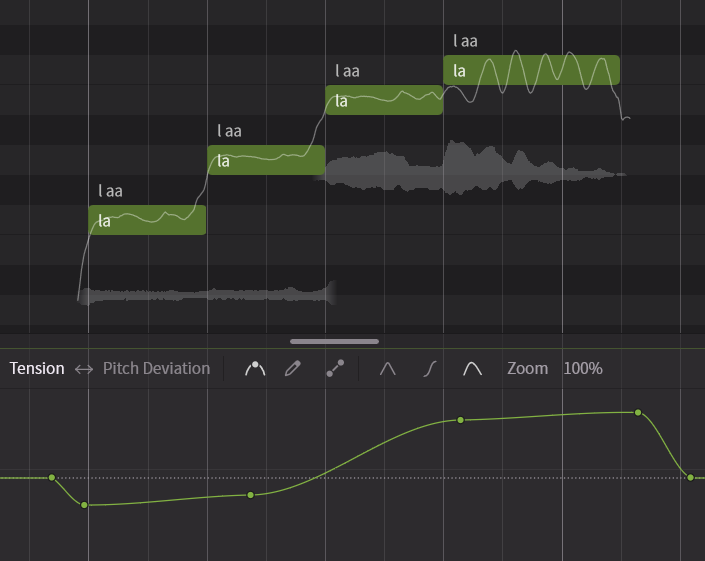
¶ Tension
Adjusts the vocal tension. Lowering it produces a softer voice, while raising it creates a more tense or strained sound.
¶ Breathiness
Adjusts the balance between voiced and unvoiced sounds (Periodic components and Aspiration components respectively). Increasing the value makes the voice more breathy, but raising it too much can introduce noise. Lowering the value results in a clearer voice with less noise, but setting it too low may make the voice sound muffled.
¶ Gender
Adjusts the vocal formant (voice thickness). Increasing the value makes the voice sound more masculine, while decreasing it makes the voice sound more feminine.
¶ Tone Shift
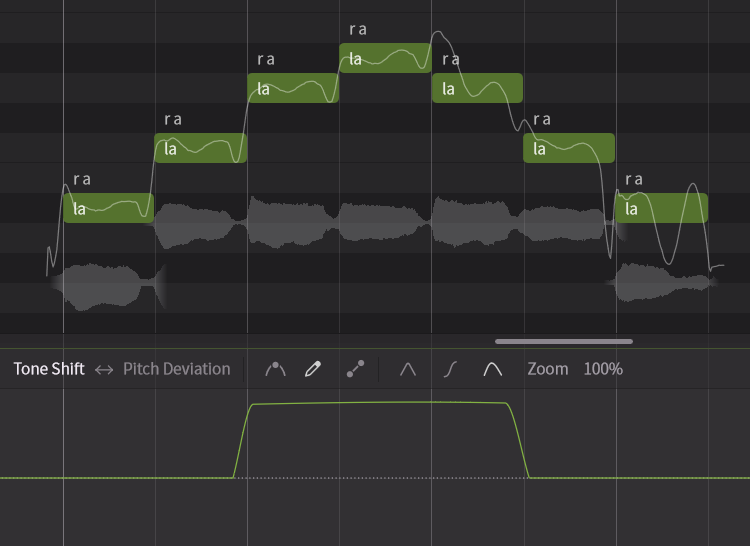
Adjusts the vocal "register." Without changing the pitch, raising it makes the voice sound as if singing in a higher range than actual (head voice), while lowering it gives the impression of singing in a lower range (chest voice).
For example, by increasing the Tone Shift on notes slightly below the falsetto range, you can make them sound like falsetto.
¶ Parameters Controllable Only in the Parameter Panel
¶ Pitch Deviation
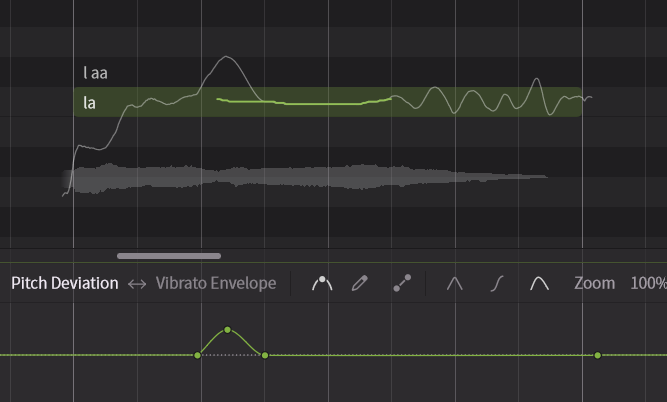
Allows fine-tuning of the pitch curve. Pitch Deviation is combined with pitch curves generated by AI and Smart Pitch Control.
This feature is primarily used to maintain compatibility with earlier versions.
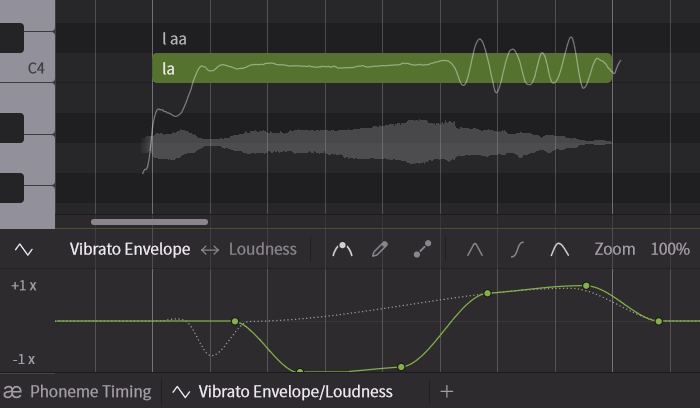
¶ Vibrato Envelope
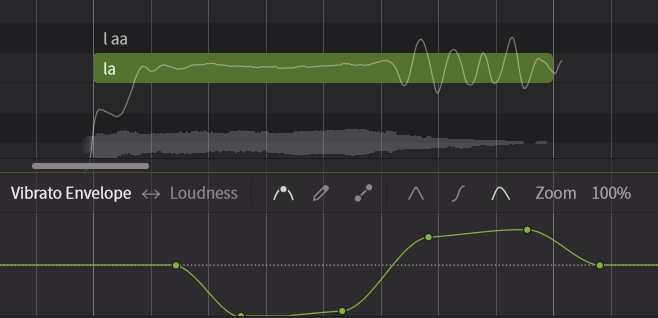
Allows you to change the vibrato intensity of a note over time.
¶ Voicing
Adjusts the amount of voiced sounds (Periodic components). At the default (maximum) value, the voice sounds normal; lowering it makes the voice more whisper-like.
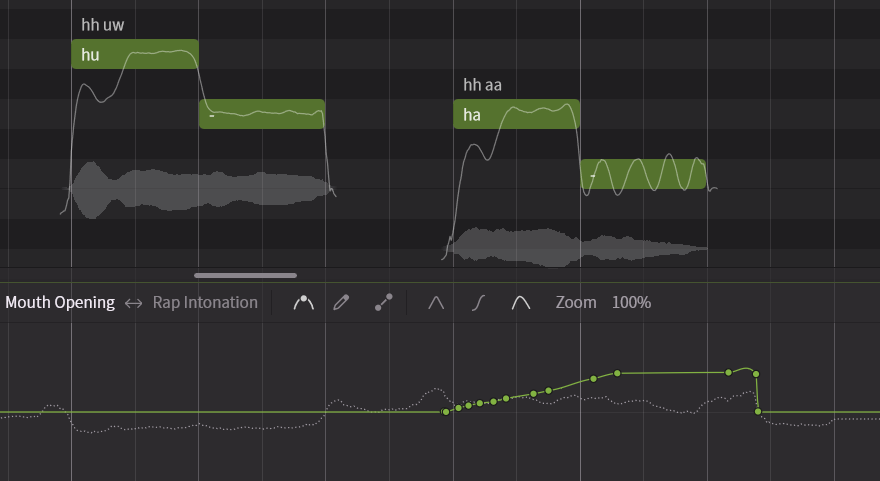
¶ Mouth Opening
Adjusts the degree of mouth opening. The current mouth opening during pronunciation is shown as a dotted line in the background.
¶ Rap Intonation
When notes are in Rap Mode, you can adjust the rap accents and pitch movements.
Drag the arrow lines up or down to adjust pitch height, and drag the arrow tips to modify intonation.
For more details, please see “Rap Mode”.