You can extend the editor's functionality with scripting capabilities. This feature allows you to edit projects, as well as control selection, navigation, and transport.
Scripts can be written in Lua or JavaScript.
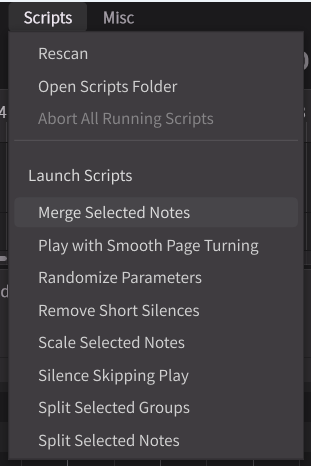
The editor itself includes standard scripts such as "Silence Skipping Play".
For information on script creation, please refer to the Synthesizer V Studio Script Manual.
Some of the new features in Version 2 are not supported for operation via script. Please wait for future updates.
¶ Open the Script Folder
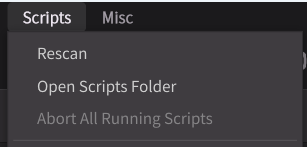
Click [Script] > [Open Scripts Folder] in the menu bar. Open the folder and place your created Lua/JavaScript scripts inside.
The script folder is located at:
- Windows:
C:\Users\<username>\AppData\Roaming\Dreamtonics\Synthesizer V Studio 2\scripts - macOS:
/Users/<username>/Library/Application Support/Dreamtonics/Synthesizer V Studio 2/scripts
¶ Load Scripts
- The scripts folder is scanned when the application starts.
- Click [Script] > [Rescan] in the menu bar to manually scan the script folder.
¶ Run Scripts
There are two types of scripts: those that can be selected and run from the menu bar, and those that reside in the Script Panel.
- Select the script you want to run from the [Scripts] menu in the menu bar.
- Open the Script Panel from the sidebar to view the modules of each script. Only scripts that reside in the Script Panel are displayed here.
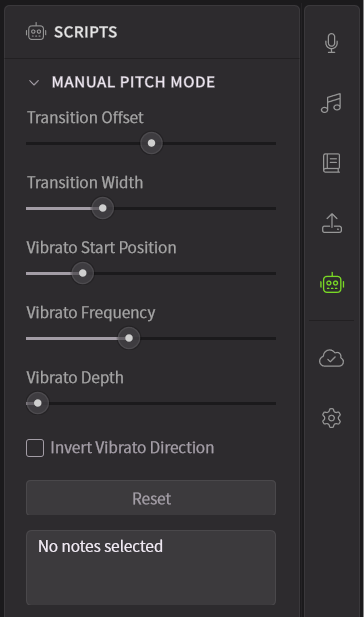
The Dreamtonics Users Forum provides samples of scripts that reside in the Script Panel.
¶ Force Stop Scripts
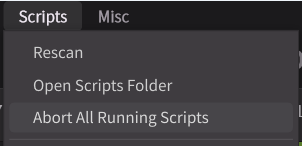
Click [Script] > [Abort All Running Scripts] in the menu bar.
¶ Set Shortcuts for Scripts
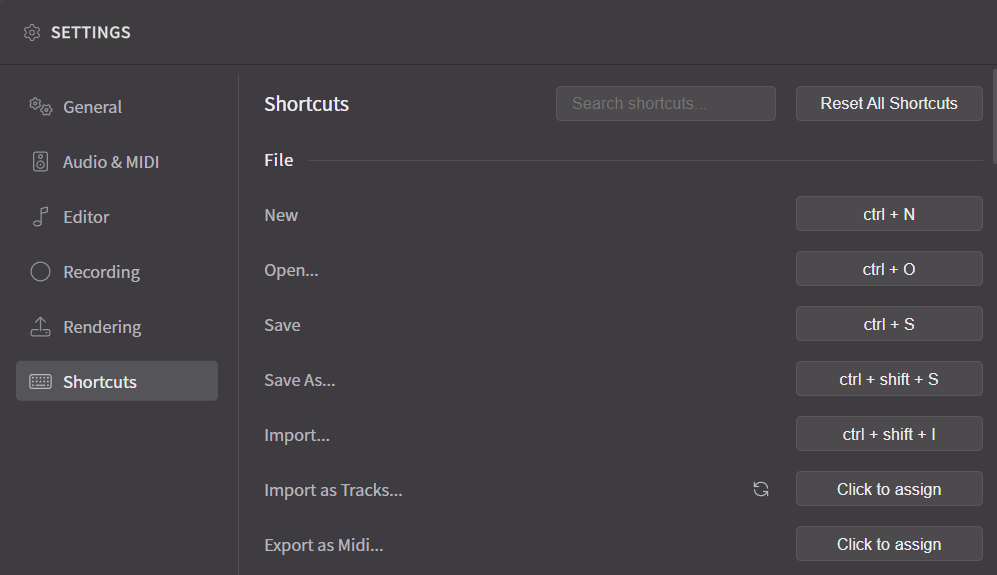
You can assign keyboard shortcuts to scripts in the [Shortcuts] section of Settings.